New Features (Overdrive+)
Unified Monitor
An Overlay display that centralizes data, on-screen alerts, and car status all in one place
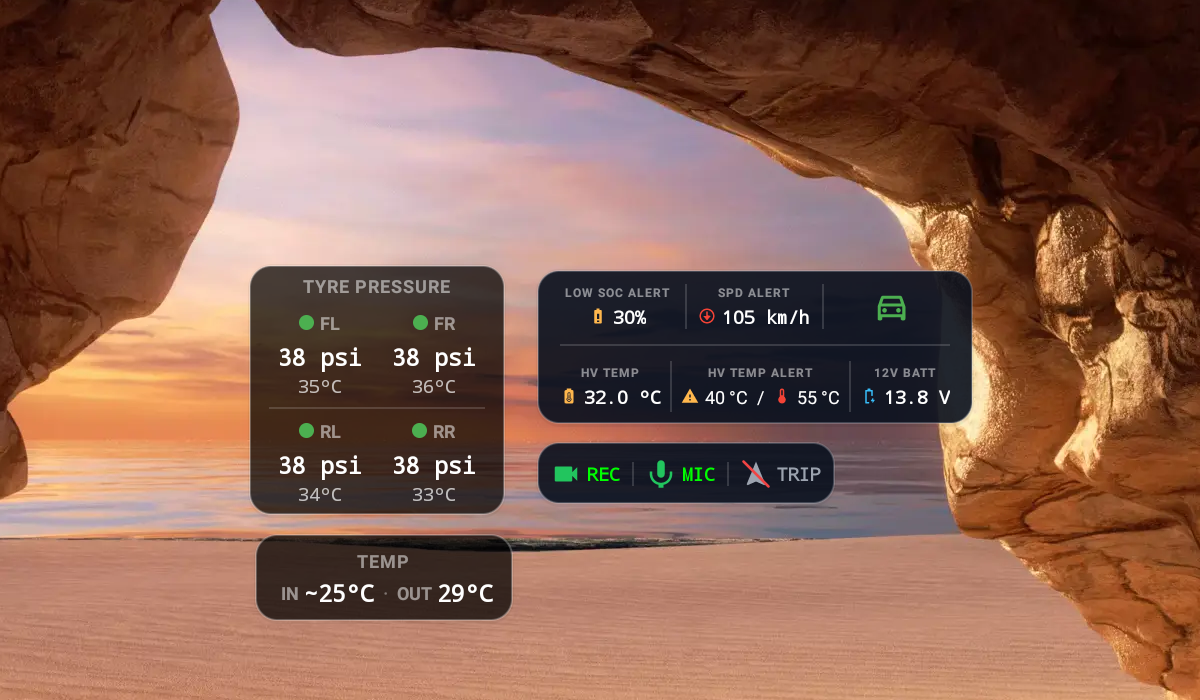
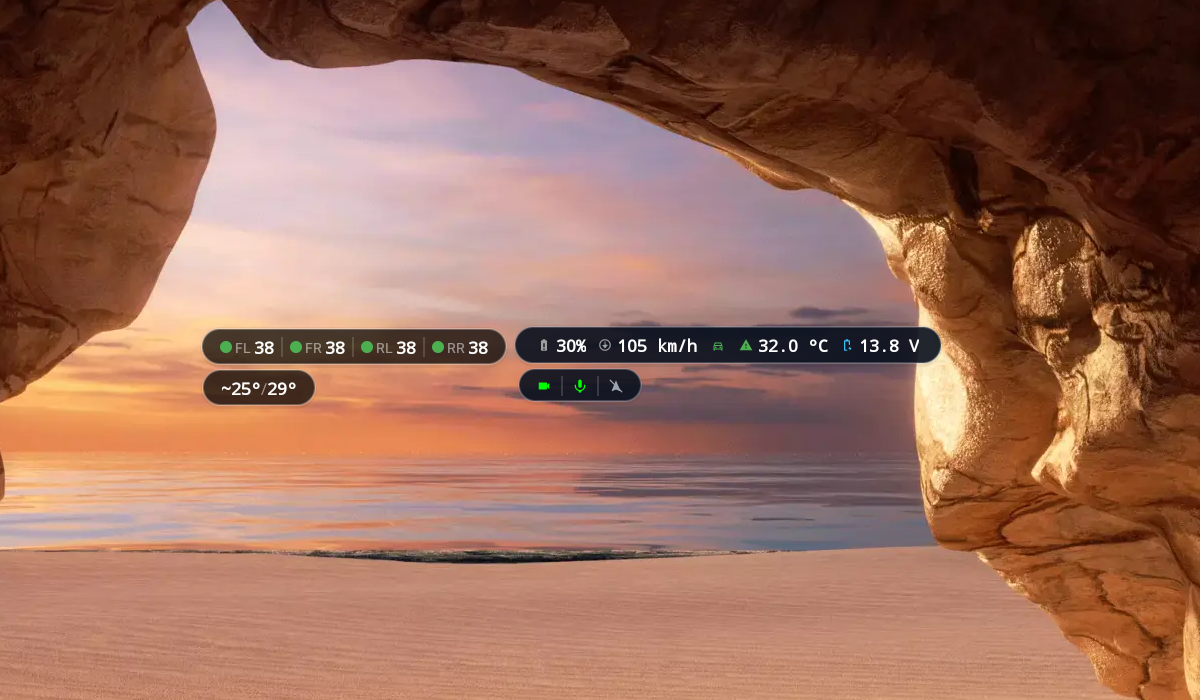
Tap twice to minimize the Unified Monitor
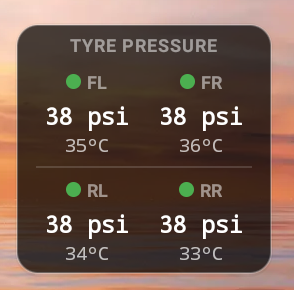
Tyre pressure
- Display tire pressure and internal tire temperature
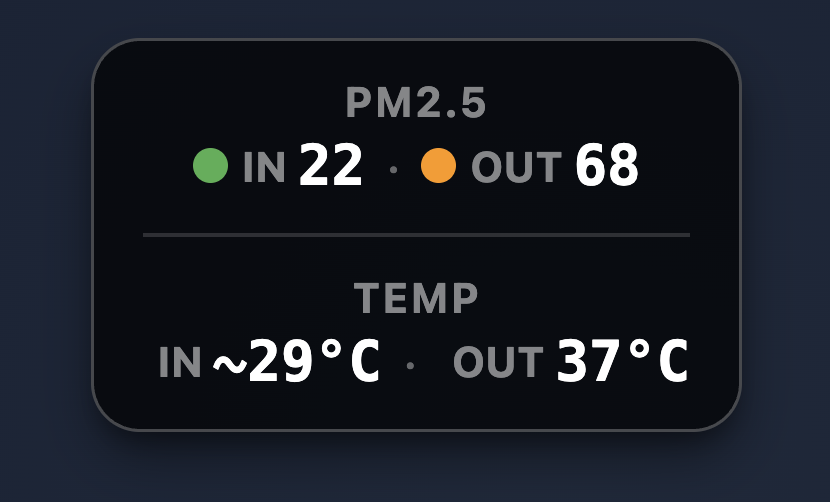
PM2.5/In-Out TEMP
- Display PM2.5 and interior/exterior vehicle temperature values
LOW SOC ALERT
LOW SOC ALERTalerts(Visual/Sound)when the battery level (SOC) drops below the set threshold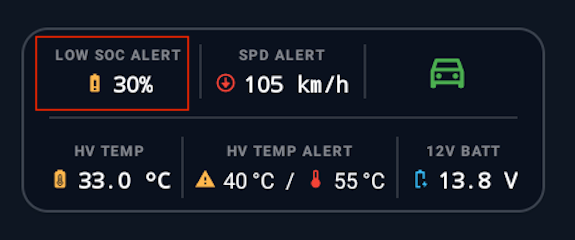
Settings
Enable low soc alert: Enable/disable the alertAlert Threshold: Set the%at which to alert

SPD ALERT
SPD ALERTalerts(Visual/Sound)when driving over the set speed limit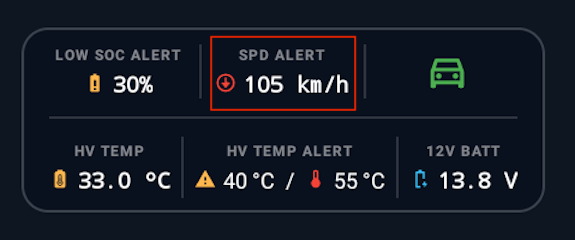
Settings
Enable Speed Alert: Enable/disable the alertAlert Speed Limit: Set thespeedat which to alert

LVDA
LVDAalerts(Visual/Sound)when the car ahead starts moving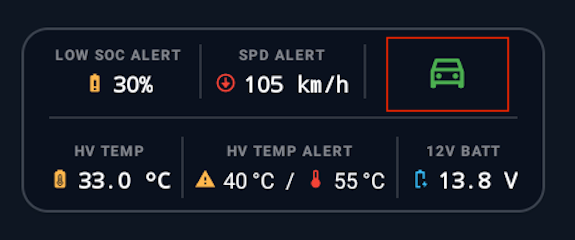
Settings
(App Menu)Enable LVDA: Enable/disable the alerta notice about usage will appear before enabling the LVDA system
Status
- Green - LVDA is ready
- Orange-yellow with circular waves - LVDA is monitoring the car ahead
- Orange-yellow blinking - Detected the car ahead moving, and a sound alert will follow


HV TEMP
HV TEMPdisplays the temperature of the high-voltage(HV)battery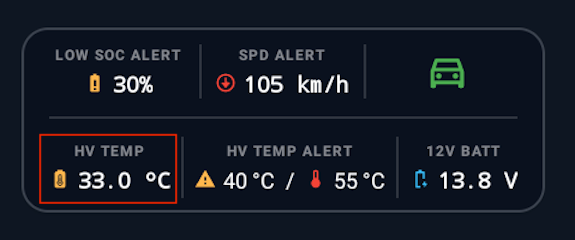
HV TEMP ALERT
HV TEMP ALERTalerts(Visual/Sound)when the high-voltage(HV)battery temperature reaches the set threshold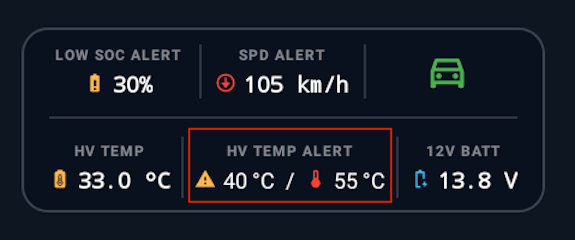
Settings
Enable HV temperature Alert: Enable/disable the alertUnit: Set the temperature unitWarning Alert Threshold: Set thetemperaturefornormal-level alertsCritical Alert Threshold: Set thetemperatureforcritical-level alerts
Temperature
- Battery temperature 30 - 40 degrees is within the
normalrange - Battery temperature 40 degrees and above commonly occurs while charging
- Battery temperature 50 degrees and above is considered
"abnormal"; there can be several causes, e.g., an issue with the cooling system

12V BATT
12V BATTdisplays the12V.battery voltage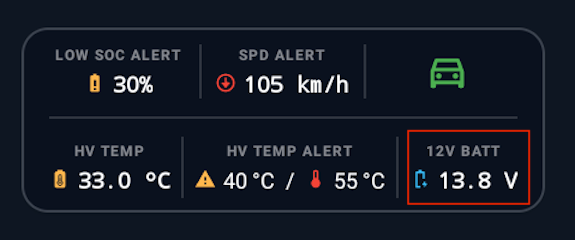
EV Map
App menu
EV MAPdisplays charging station locations, charging station types, and weather conditions.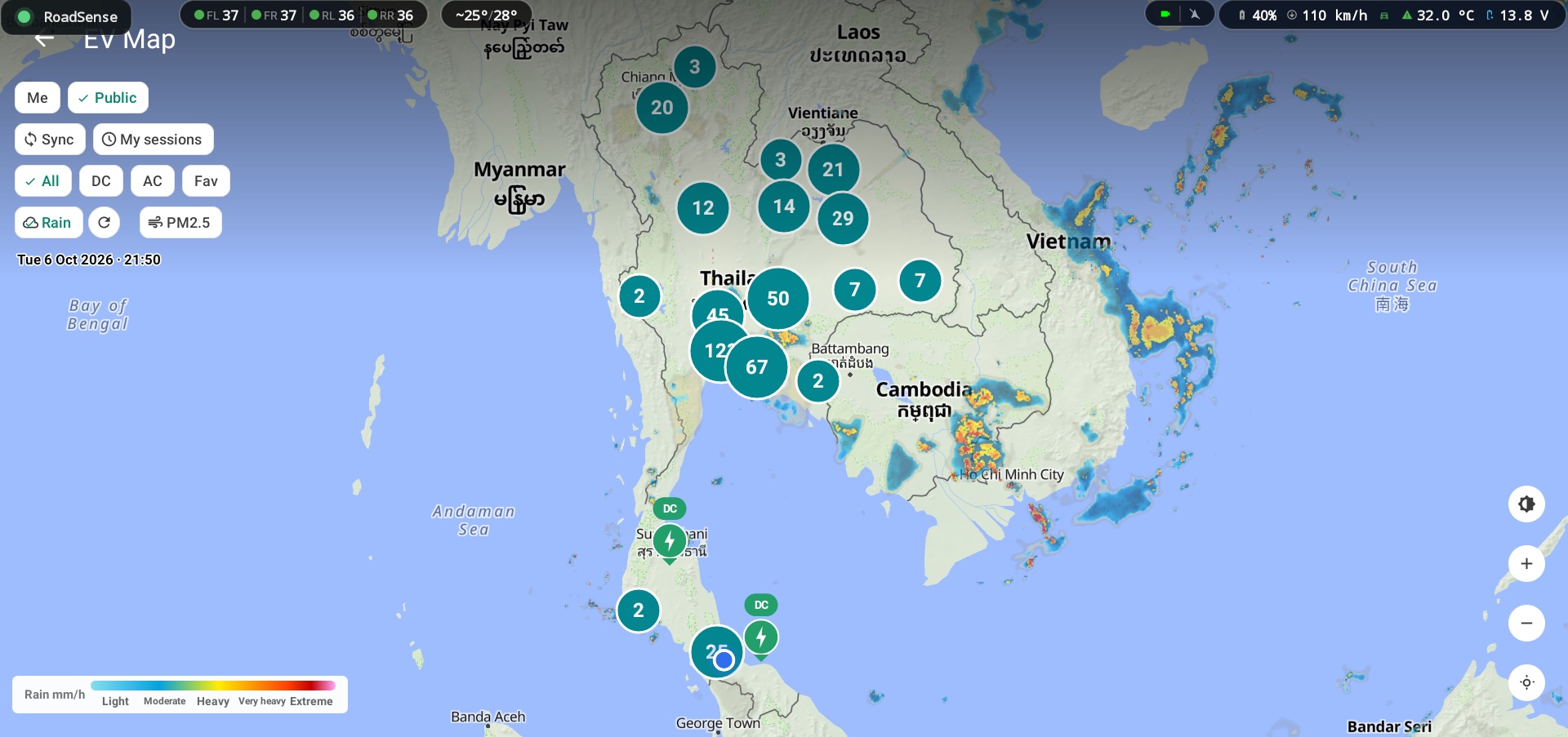
Tap a pin to view charging station details. It shows station info and maximum power output (kW) from charging sessions of BYD cars running
Overdrive+. To suggest a charging station, tap thepencil icon
Search for a station by name → select the station → press
Save
WebsitetheEV MAPmenu shows charging station locations and charging station types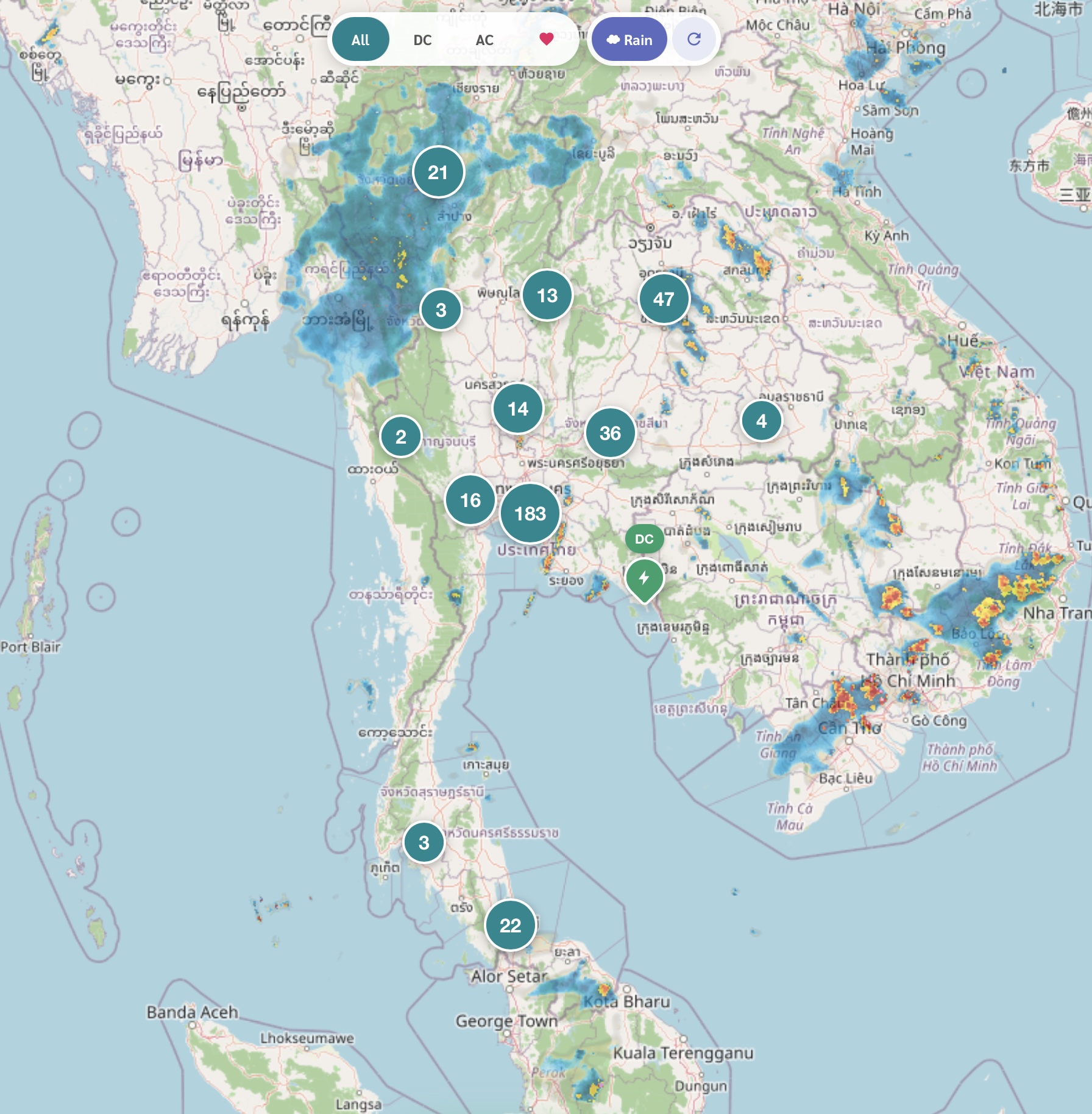
Tap a pin to view station details: station info and maximum power output (kW) of each station

Hotspot
A feature to share internet from the SIM in the car, providing a WiFi signal to enhance convenience for using the internet on mobile devices. Read more
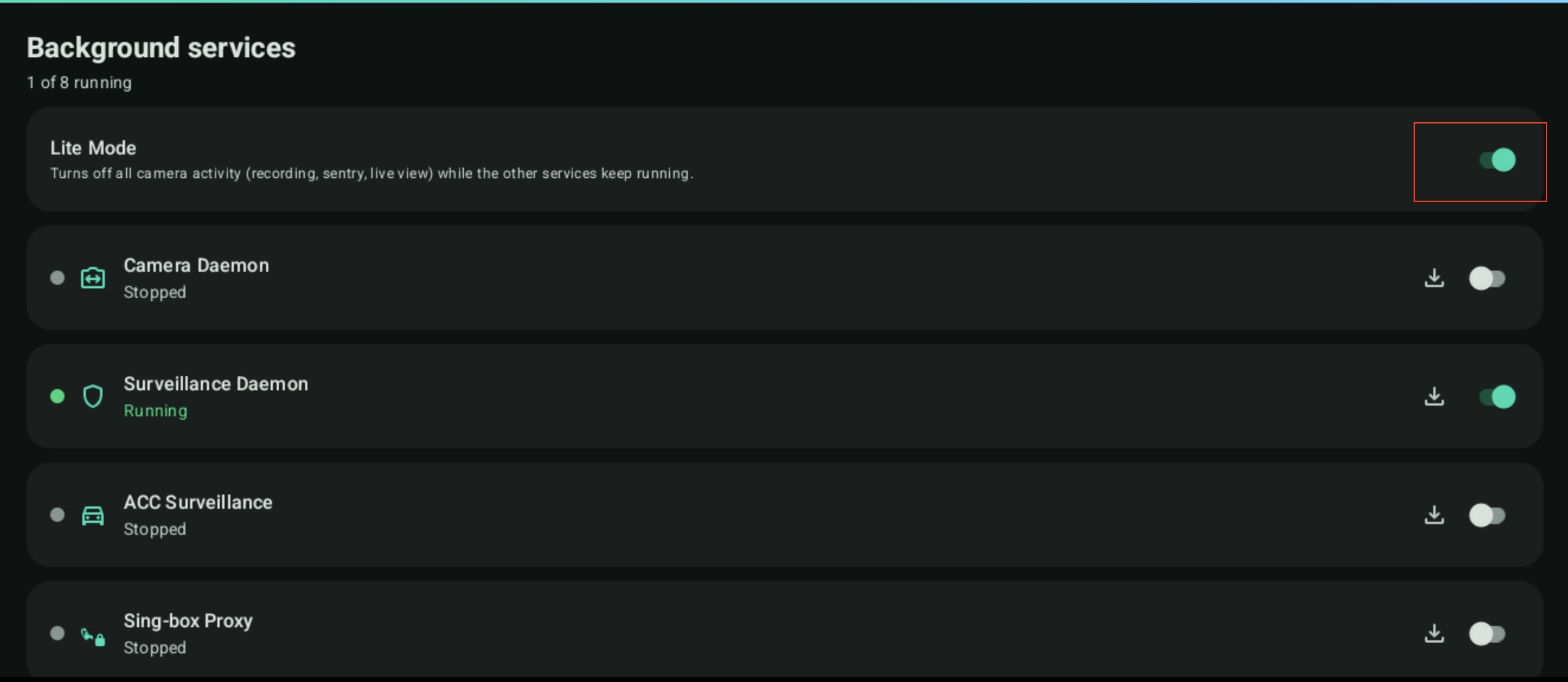
Lite mode
Lite Mode is used to enable/disable the app in a mode that does not require the camera.
EnableLite Mode = The app can be used, but camera-related features are disabled.DisableLite Mode = The app can be used in full mode, including camera features.
Suitable for users who want to use this app for other functions without keeping the camera running, or who do not want this app to be involved with the camera at all.
Go to the Settings → Daemons → Lite Mode menu to configure it.